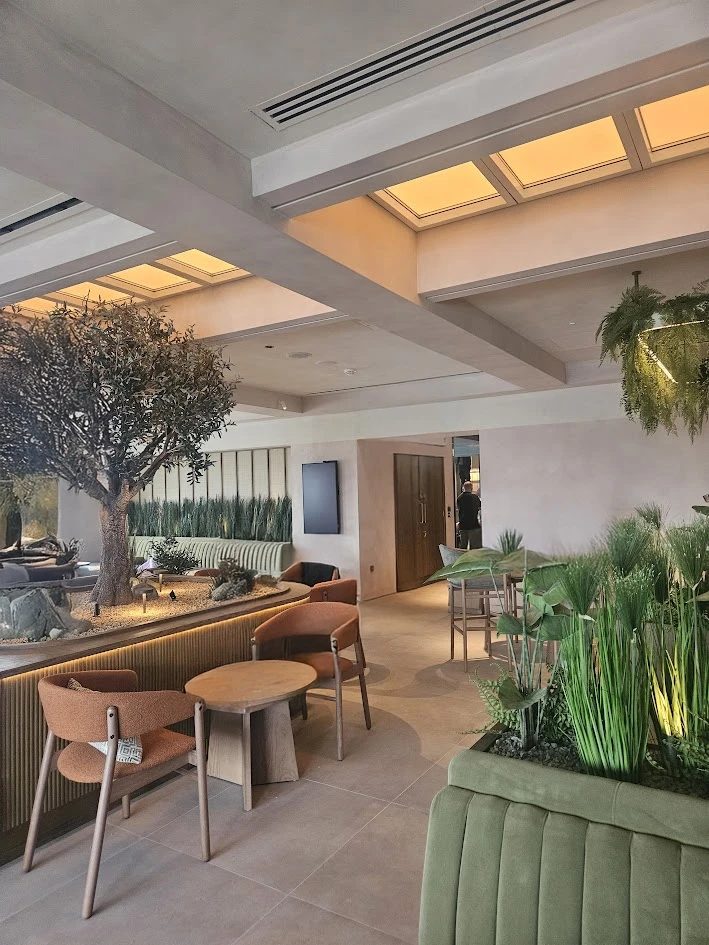

Your room
Film a short, slow walk around the room on your phone.
Filming the room
- Lights on, blinds open.
- Hold the phone sideways, no zoom.
- Walk slowly around the edge, pointing across the room, so every wall passes by.
- Tilt up to the ceiling once. A ceiling grid tells us the room's size.
- Get doors and windows in shot. They help us judge scale.
- 20 to 60 seconds is plenty. No need to tidy up.
Taking the photos
- Lights on, blinds open.
- Stand in each corner and photograph across the room, phone sideways, no zoom.
- Make sure every wall is in at least one photo. They don't need to overlap.
- Finish with one of the ceiling, straight up from the middle.
- Get doors and windows in. They help us judge scale.
- 4 to 8 photos is ideal; up to 12 is fine.
Your video stays on your device. We take 8 still frames from it to build the preview and don't keep them afterwards.
Building your preview
This takes about two minutes. You can leave this page open in the background.
- Taking frames from your videoA few seconds
- Reading your roomAbout a minute: walls, windows, furniture and ceiling
- Lighting it with Circadian SkyUnder a minute
Your room with Circadian Sky
Try another setting
Circadian Sky tunes from 2,200 K, warmer than sunset, to 200,000 K, the deep blue of a clear sky. Pick a colour and brightness and we'll light your room with it.
Drawings and files
A reflected ceiling plan of the room with the fixture set out, and the 3D scene for Blender. Files are made on the spot and not kept.
The room is rebuilt from your video or photos as an approximate model, so sizes and furniture are close but not exact. Use it to picture the light, not for measurements; field verify dimensions before ordering. Light output comes from Innerscene's measured photometry for the CS22 and CS24. Your Innerscene agent can prepare exact layouts and shop drawings.